Install
Add Peerfolio to your home screen
It opens full-screen like any other app, with no App Store and nothing to download. It takes about four taps.
1Open in SafariGo to peerfolio.org, then tap the ⋯ next to the address bar.2Tap ShareOn older iOS, tap the Share icon in the bottom bar instead.3Add to Home ScreenScroll the share sheet, or tap View More, if you don't see it.CancelAdd to Home ScreenAdd
Peerfolio
peerfolio.org
Open as Web App
Keep this on so it opens full-screen like an app.
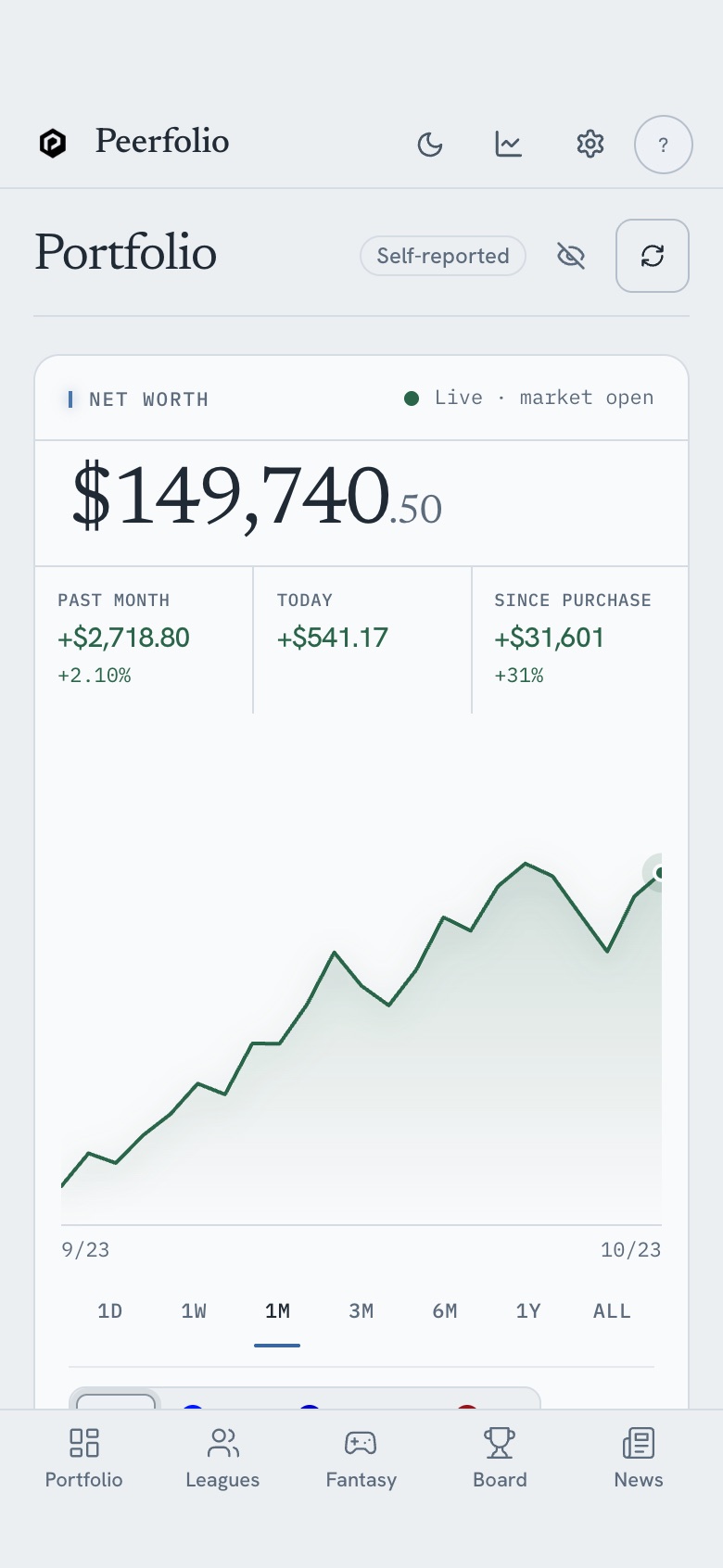
Then it looks like this
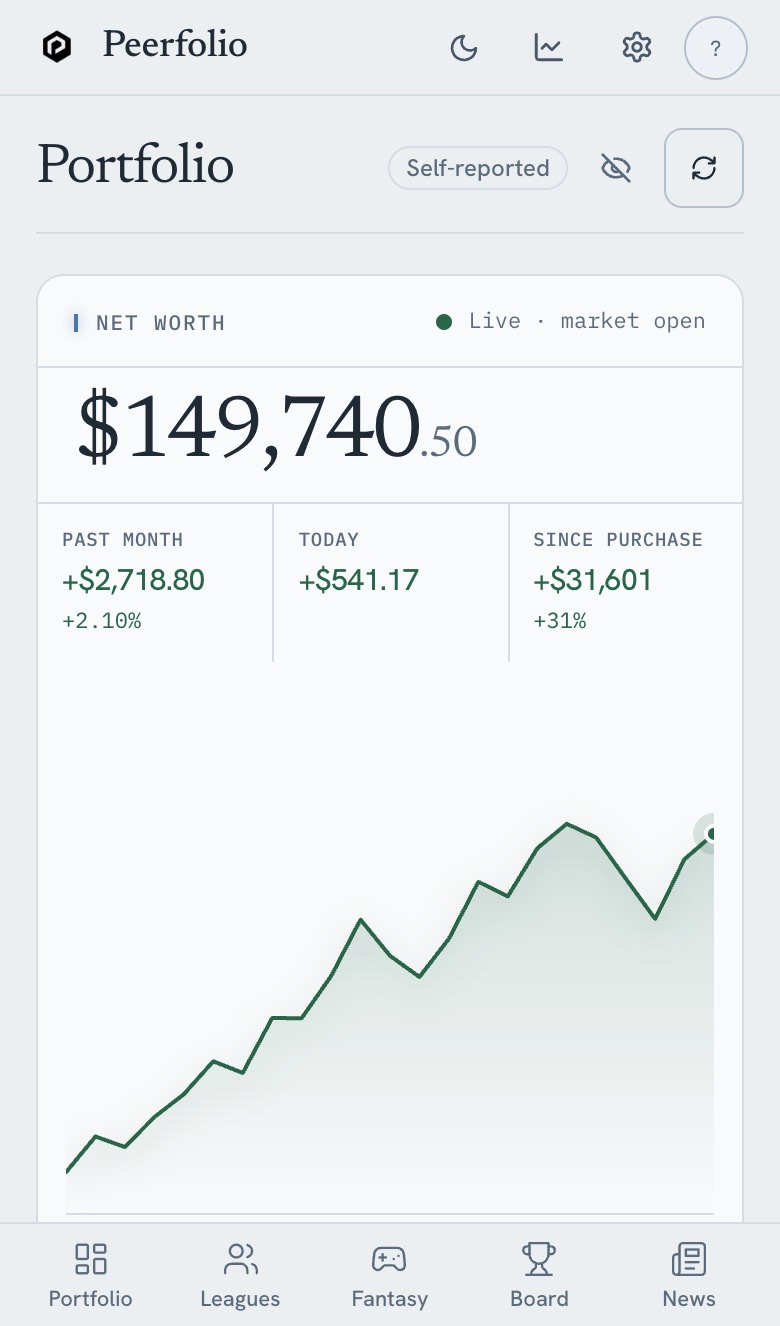
The Peerfolio icon sits with your other apps. Tap it and it opens full-screen, straight into your dashboard, with no browser bars.
Friday, October 23 Peerfolio
 Already installed? Nothing to update: it always loads the latest version.